 Zico
ਖਰੀਦਦਾਰਾਂ ਲਈ
Buying on Zico
From your first request to food in your kitchen, in seven steps. Nothing is asked of you up front: you can post a request as soon as you sign in.
Install the app and create your account
Account → Sign inGet Zico from the App Store or Google Play. Choose Buyer, then sign in with Google, Apple, or your email or phone number and a password.
Add your name to finish, and agree to the terms when the app asks. Signing in creates the account the first time and opens it after that.
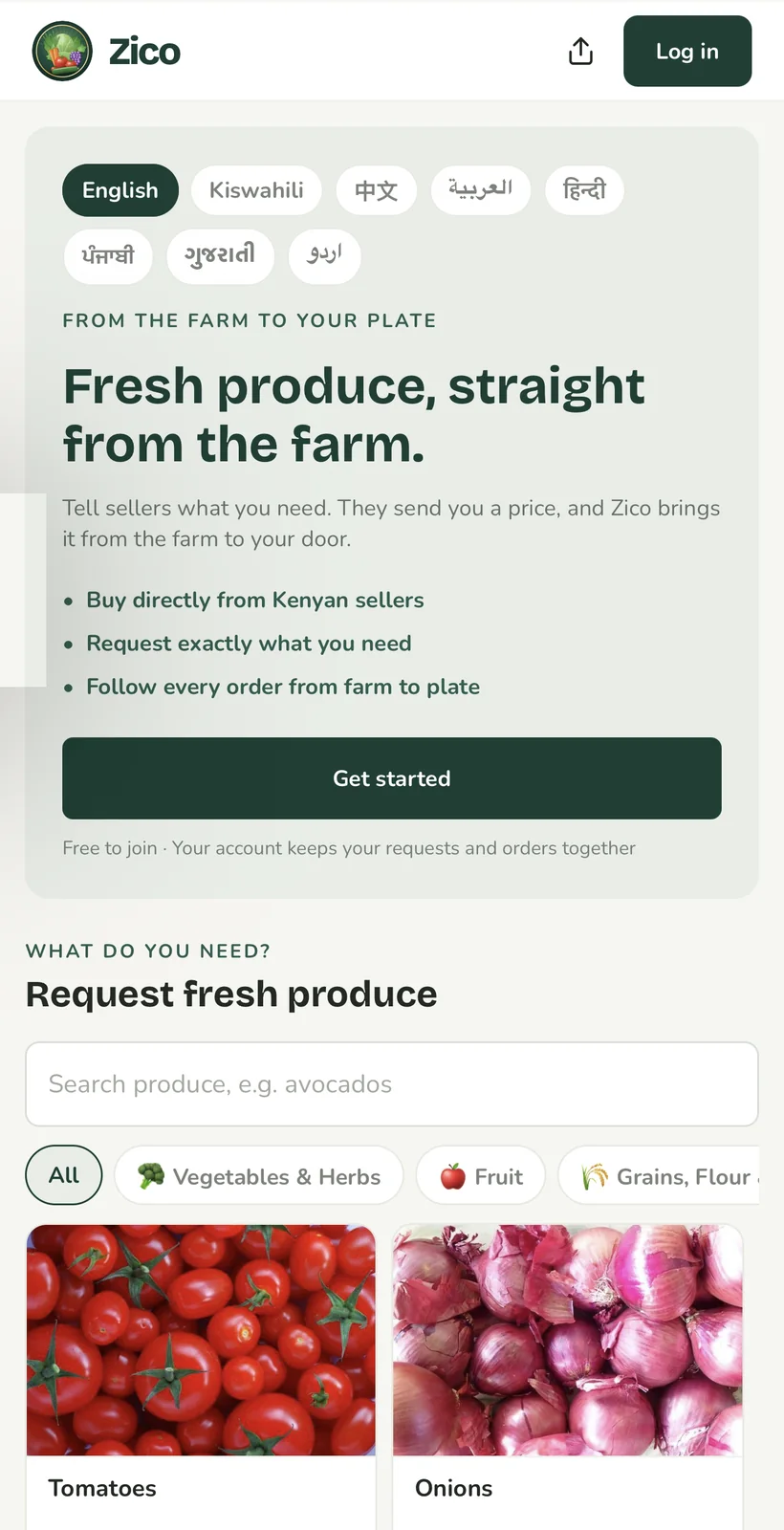
Open Zico, pick your language and get started. - Pick your language
- Create your account
Let sellers near you hear about it
When you post a requestWhen you post your first request, the app offers to use your location. Allow it, and sellers within about 500 m are notified straight away. Sellers only learn that a buyer nearby needs something: never your name, address or exact location. Zico only reads your location when you tap a button that uses it.
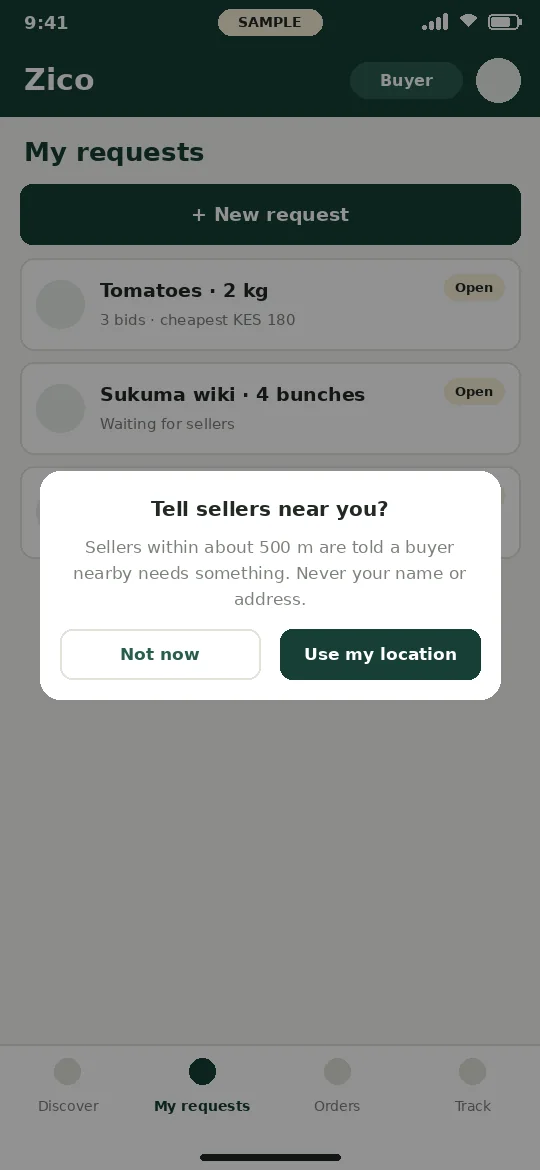
- Allow, so nearby sellers hear about it
Post what you need
My requests → + New requestChoose the item (search, or type a name if it is not listed), the unit and the quantity. Add details if they matter, such as variety, size or ripeness.
Shopping for several things? Choose Several items (bulk) and add every line. Sellers price each item and you see each seller’s total.
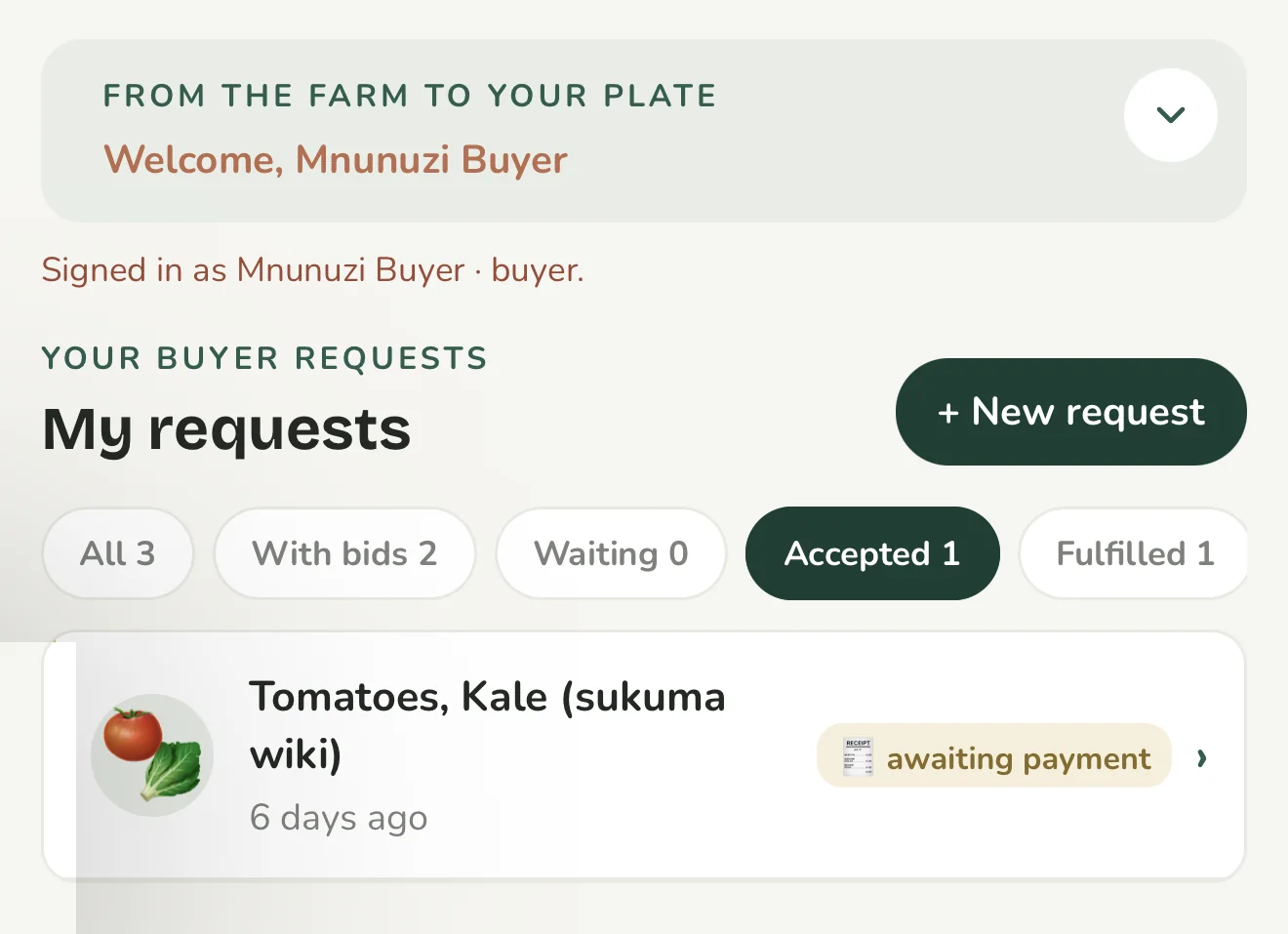
Your requests, with what happened to each. - Post what you need
- Filter your requests
Compare the prices that come in
My requestsEach bid shows the price, whether it is for pickup or delivery (and the delivery fee), how far away the seller is, how soon it will be ready, and their trust badges. Sellers who do not have it can say so. Tap a seller to see the full bid.
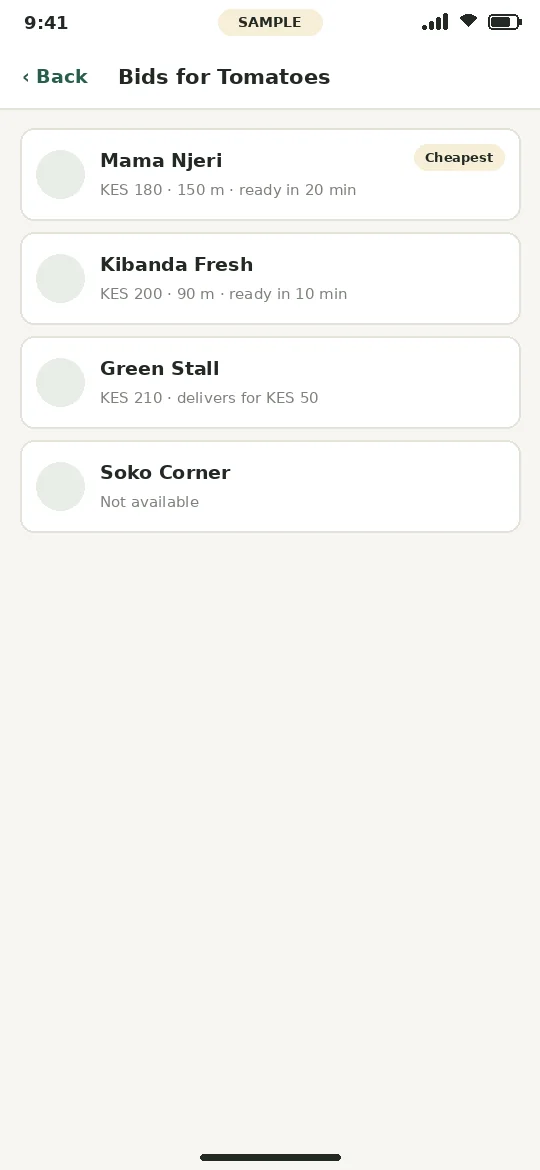
- Tap a seller to see the full bid
Accept the best bid
Bid details → Accept this bidAccepting picks that seller for the item; other sellers can no longer bid on it. Choose pickup or delivery here if the seller offers both. Nothing is paid yet.
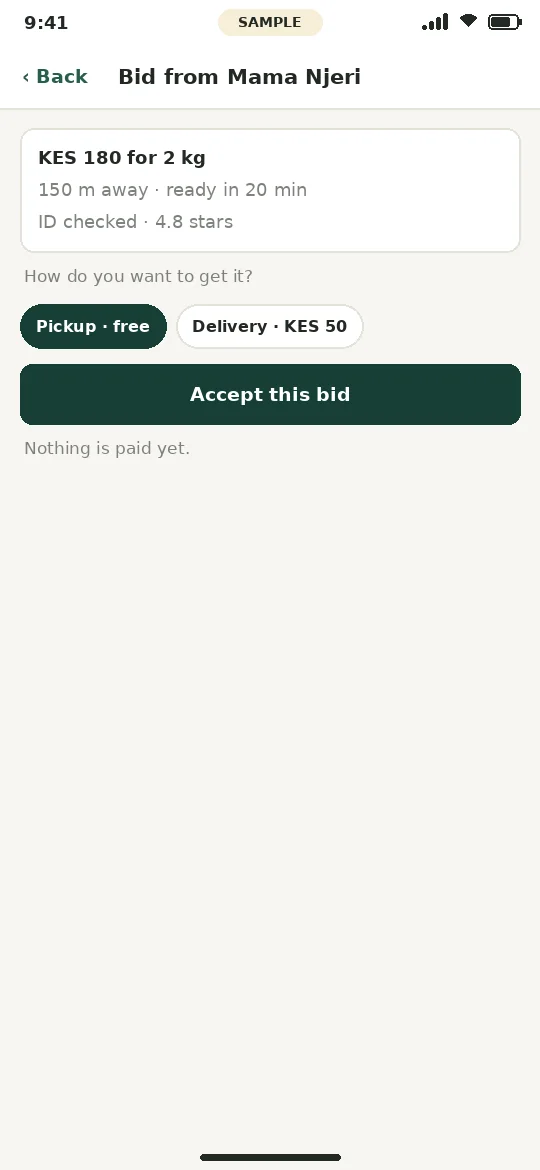
- Accept the bid you like best
Approve the final quote
OrdersThe seller confirms the total, including any packaging or delivery charge. Check it and approve it: only then does it become an order. Names are shown to both of you from this point.
Pay with M-Pesa in the app, or in cash when you collect or receive your order. Zico holds an M-Pesa payment until you confirm you have your order, then pays the seller.
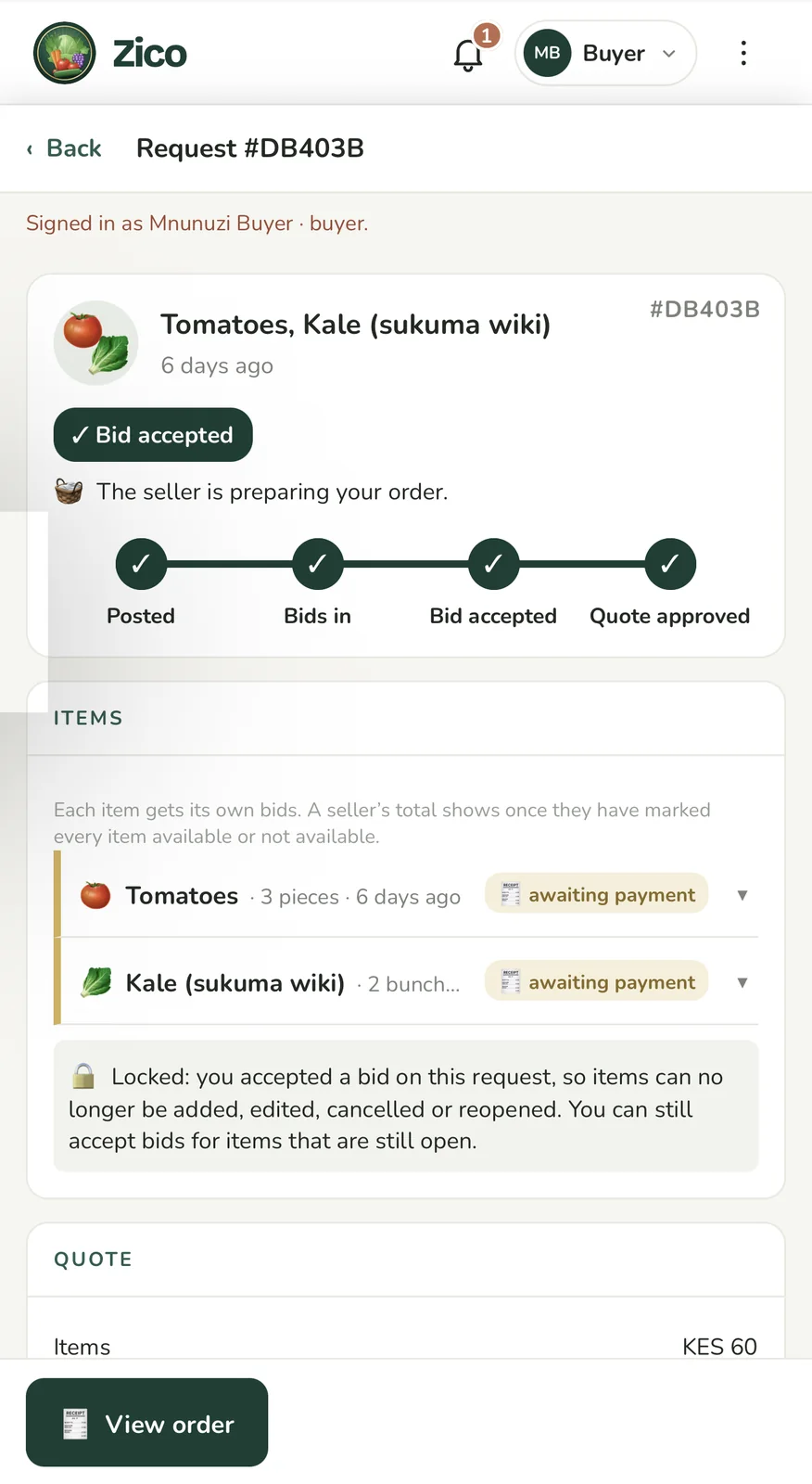
After you approve the quote, open the order to pay. - You approved the quote
- Open the order
Collect or receive, then confirm
Orders and Track- Pickup: go to the seller when the order says it is ready. Once the produce is in your hands, tap I’ve collected my order.
- Delivery: the order shows a 4-digit delivery PIN. Give it to whoever brings your order only once you have checked everything.
Something wrong, missing or not fresh? Tap Report a problem on the order, before you confirm if you can.
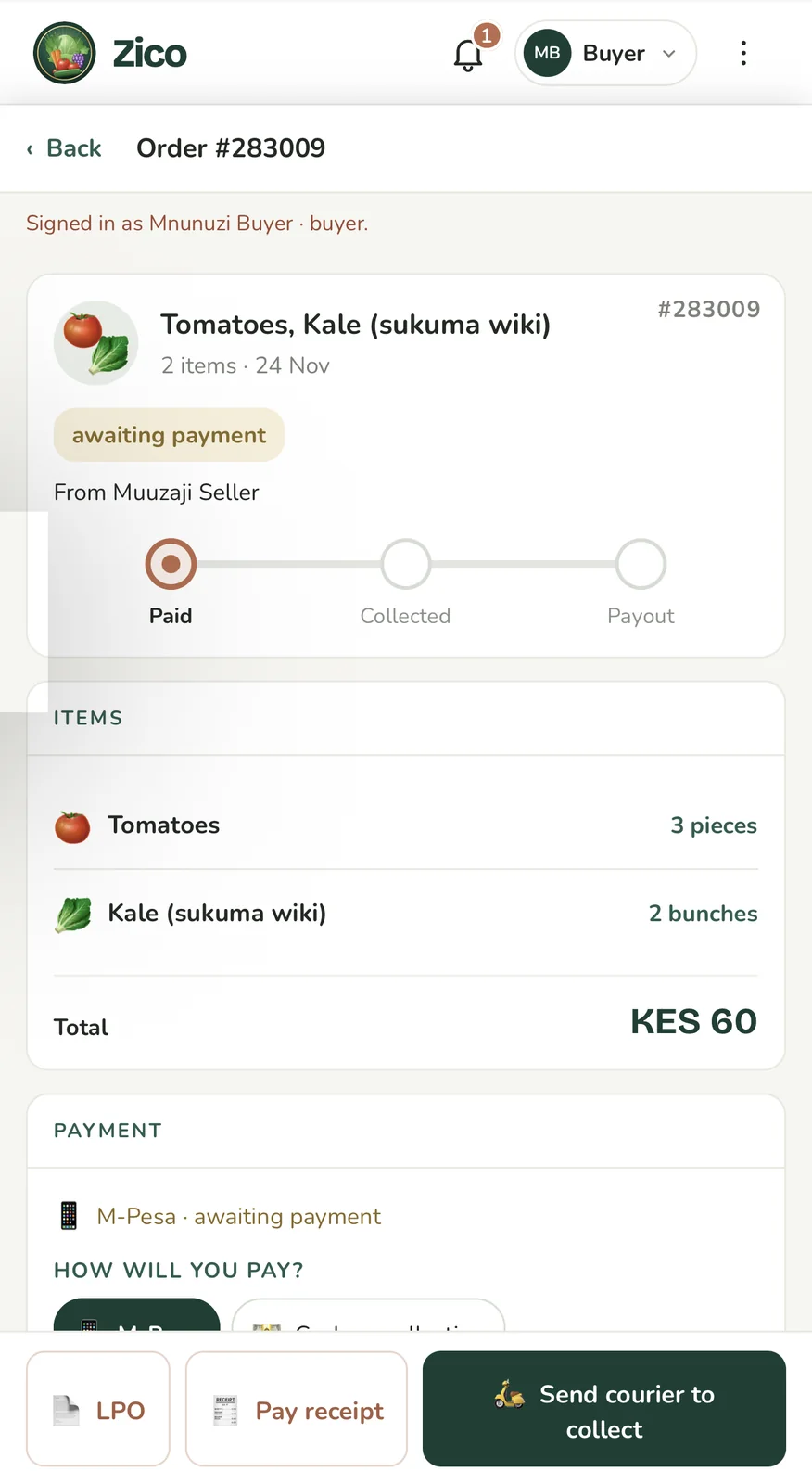
Pay, then collect it or send a courier. - Choose how to pay
- Or send a courier to collect
ਸੁਝਾਅ
ਸਾਫ਼-ਸਾਫ਼ ਦੱਸੋ
“ਟਮਾਟਰ, ਪੱਕੇ ਹੋਏ, ਅੱਜ ਪਕਾਉਣ ਲਈ” ਨਾਲ “ਟਮਾਟਰ” ਨਾਲੋਂ ਵਧੀਆ ਕੀਮਤਾਂ ਮਿਲਦੀਆਂ ਹਨ।
ਦੂਰੀ ਵੇਖੋ
100 m ਦੂਰ ਵਿਕਰੇਤਾ ਦੀ ਥੋੜ੍ਹੀ ਵੱਧ ਕੀਮਤ, ਅਸਟੇਟ ਦੇ ਦੂਜੇ ਪਾਸੇ ਵਾਲੇ ਸਸਤੇ ਵਿਕਰੇਤਾ ਨਾਲੋਂ ਬਿਹਤਰ ਹੋ ਸਕਦੀ ਹੈ।
ਆਪਣਾ ਪਿੰਨ ਗੁਪਤ ਰੱਖੋ
ਤੁਹਾਡੇ ਡਿਲੀਵਰੀ ਪਿੰਨ ਤੋਂ ਹੀ Zico ਨੂੰ ਪਤਾ ਲੱਗਦਾ ਹੈ ਕਿ ਤੁਹਾਨੂੰ ਆਰਡਰ ਮਿਲ ਗਿਆ। ਸਾਮਾਨ ਮਿਲਣ ਤੋਂ ਪਹਿਲਾਂ ਇਹ ਕਦੇ ਨਾ ਦੱਸੋ।

Zico ਆਪਣੇ ਫ਼ੋਨ 'ਤੇ ਲਓ।
ਜੁੜਨਾ ਮੁਫ਼ਤ ਹੈ। ਅੰਗਰੇਜ਼ੀ ਅਤੇ ਕਿਸਵਾਹਿਲੀ ਵਿੱਚ ਉਪਲਬਧ। ਜਲਦੀ ਹੀ ਕੀਨੀਆ ਵਿੱਚ iPhone ਅਤੇ Android 'ਤੇ ਸ਼ੁਰੂ ਹੋ ਰਿਹਾ ਹੈ।