 Zico
لـالبائعين
Selling on Zico
Zico brings buyers from your area to you. You can answer requests straight after signing up; we ask for more details only when you first need them.
Install the app and create your account
Account → Sign inGet Zico from the App Store or Google Play. Choose Seller, then sign in with Google, Apple, or your email or phone number and a password.
Add your name to finish, and agree to the terms when the app asks. Signing in creates the account the first time and opens it after that.
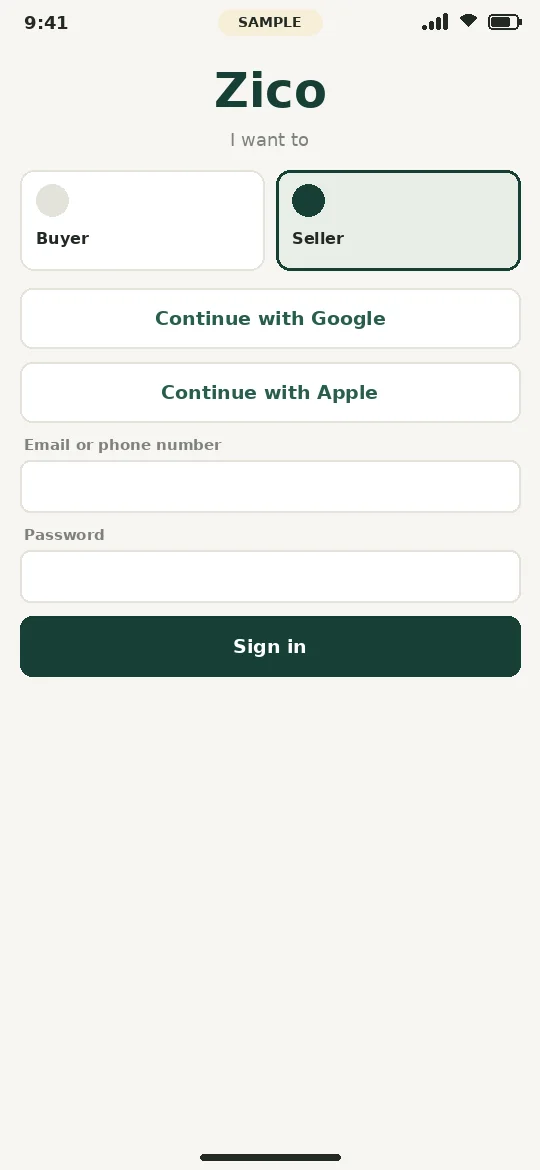
- Choose Seller, then sign in
Turn on notifications
When the app asksAllow notifications so you hear about requests from buyers within about 500 m of you, and when a buyer accepts your bid. Requests from nearby buyers come in as they are posted, so the first good price often wins.
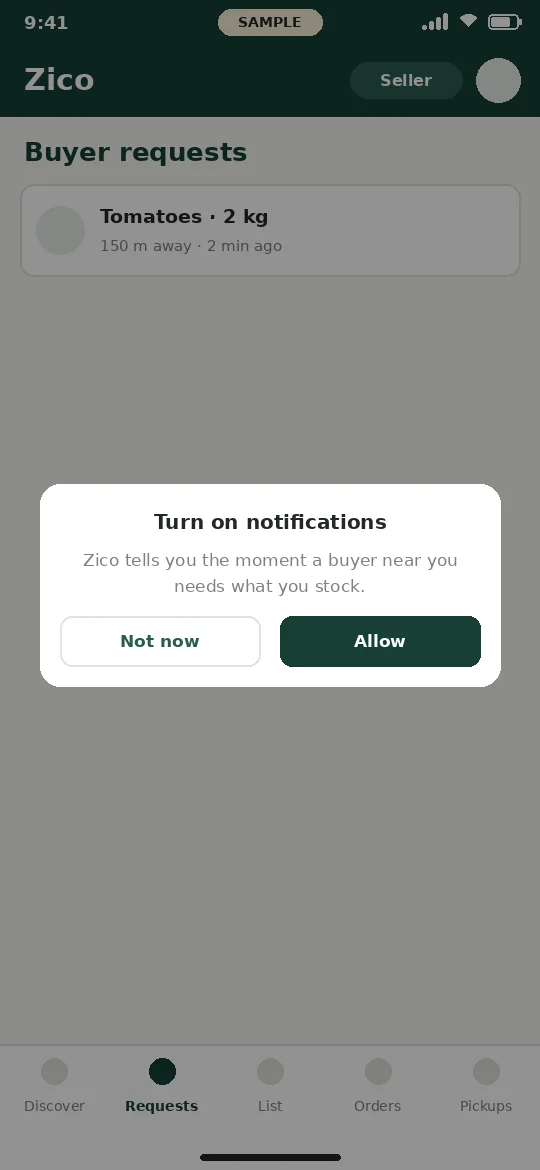
- Tap Allow so you never miss a buyer
Answer buyer requests
Buyer requestsFor each request, tap Available and send your price, how soon it will be ready, and whether the buyer can pick up, you deliver (with your fee), or both. If you do not have it, tap Not available.
For a bulk request, price each item on its own and set the turnaround once for the whole order. Buyers see you as Seller 4F2A until there is an order.
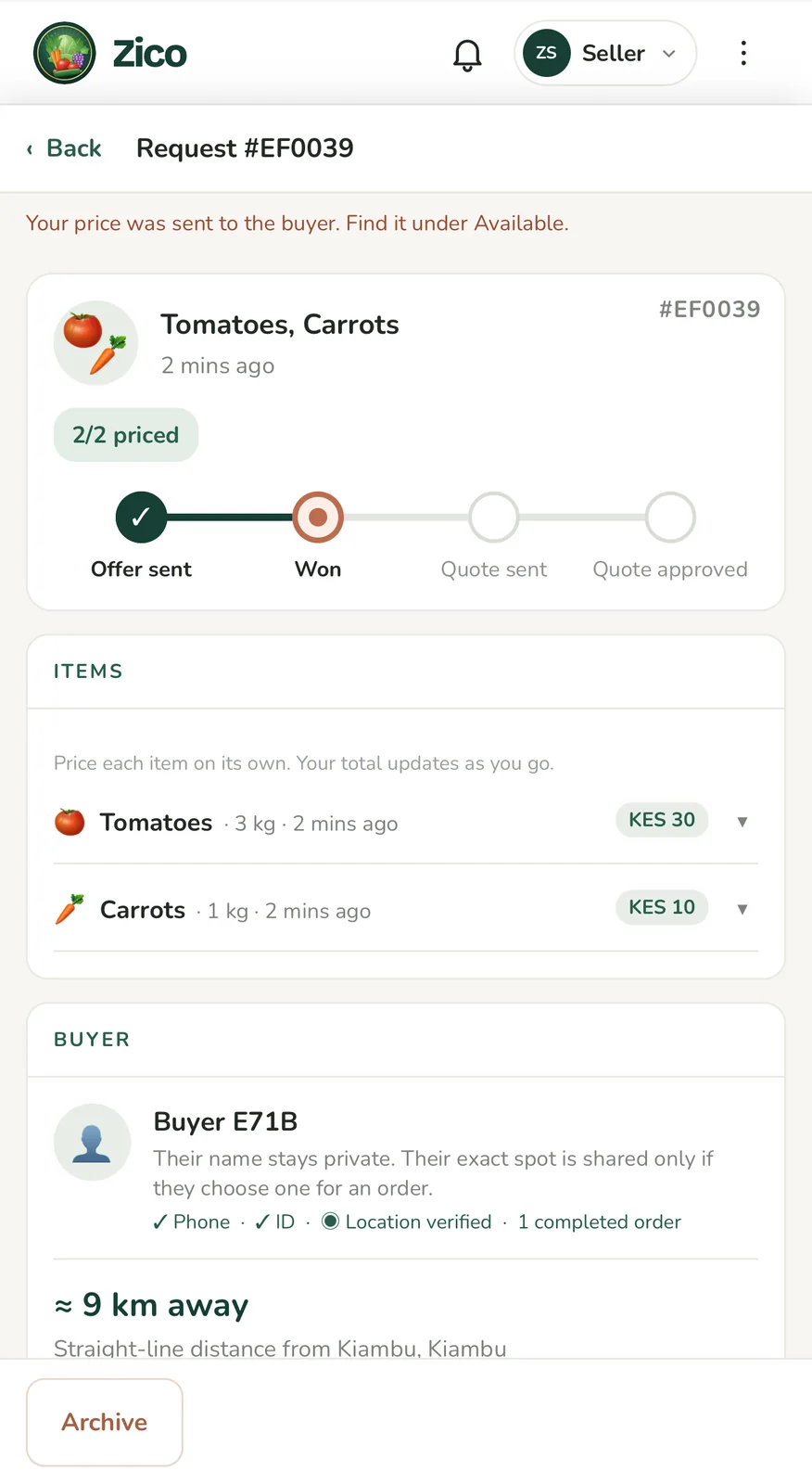
A buyer request with your price on each item. - Your price for each item
- Where your offer stands
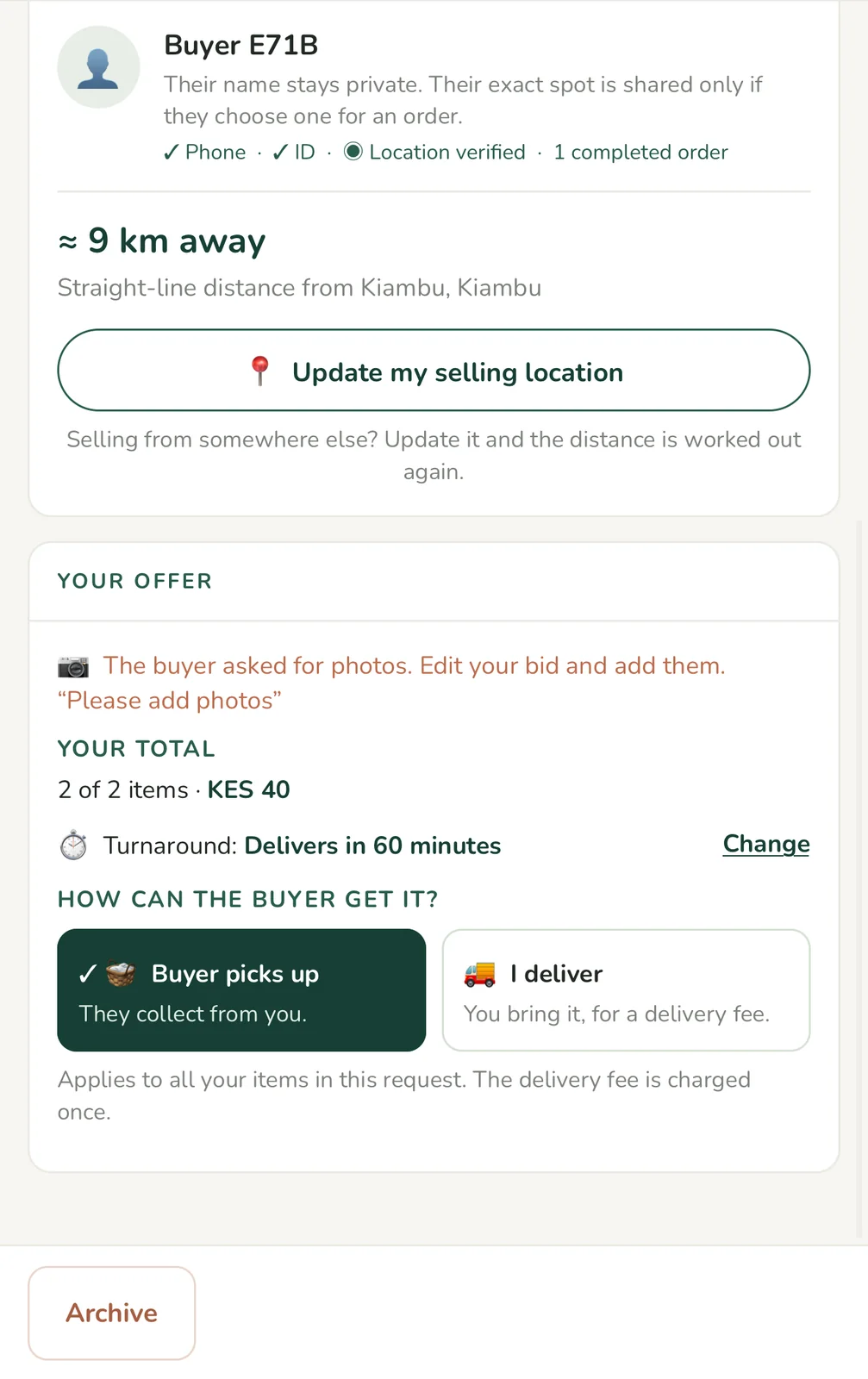
Your offer: total, turnaround and how the buyer gets it. - Pickup, delivery or both
- How soon it will be ready
Before your first bid: phone and area
Asked automaticallyYour first bid asks for your phone number and the area you sell from (type it, for example “Kahawa West”, or use your phone’s location). Buyers see your area and trust badges only, never your phone number.
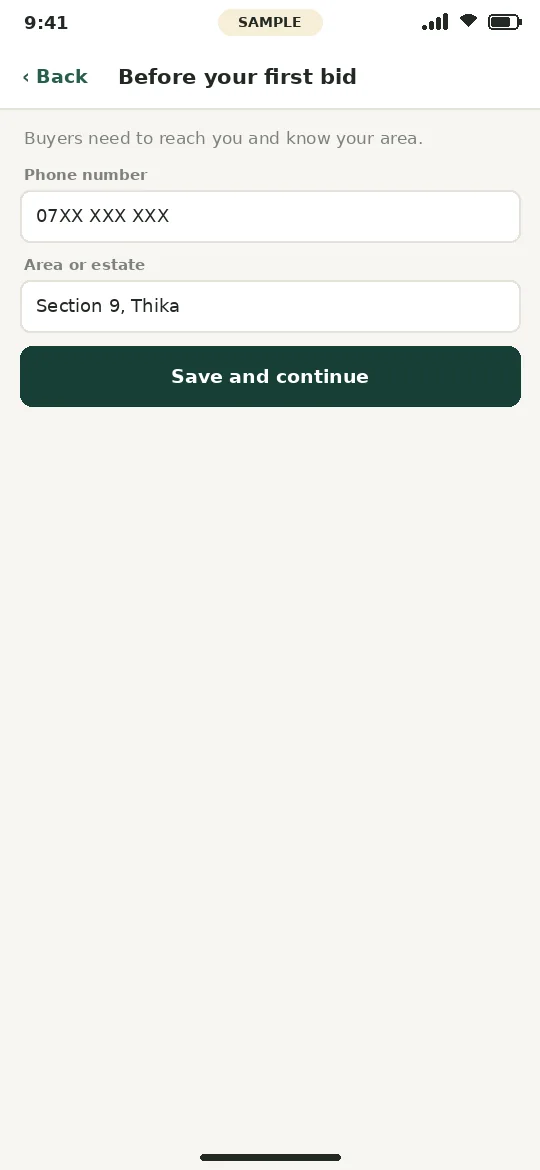
- Add your phone number and area
When a buyer accepts: confirm the quote
OrdersConfirm the final total, adding any packaging or delivery charge. The first time you process an order, the app asks for a photo or PDF of your national ID. Then get the produce ready.
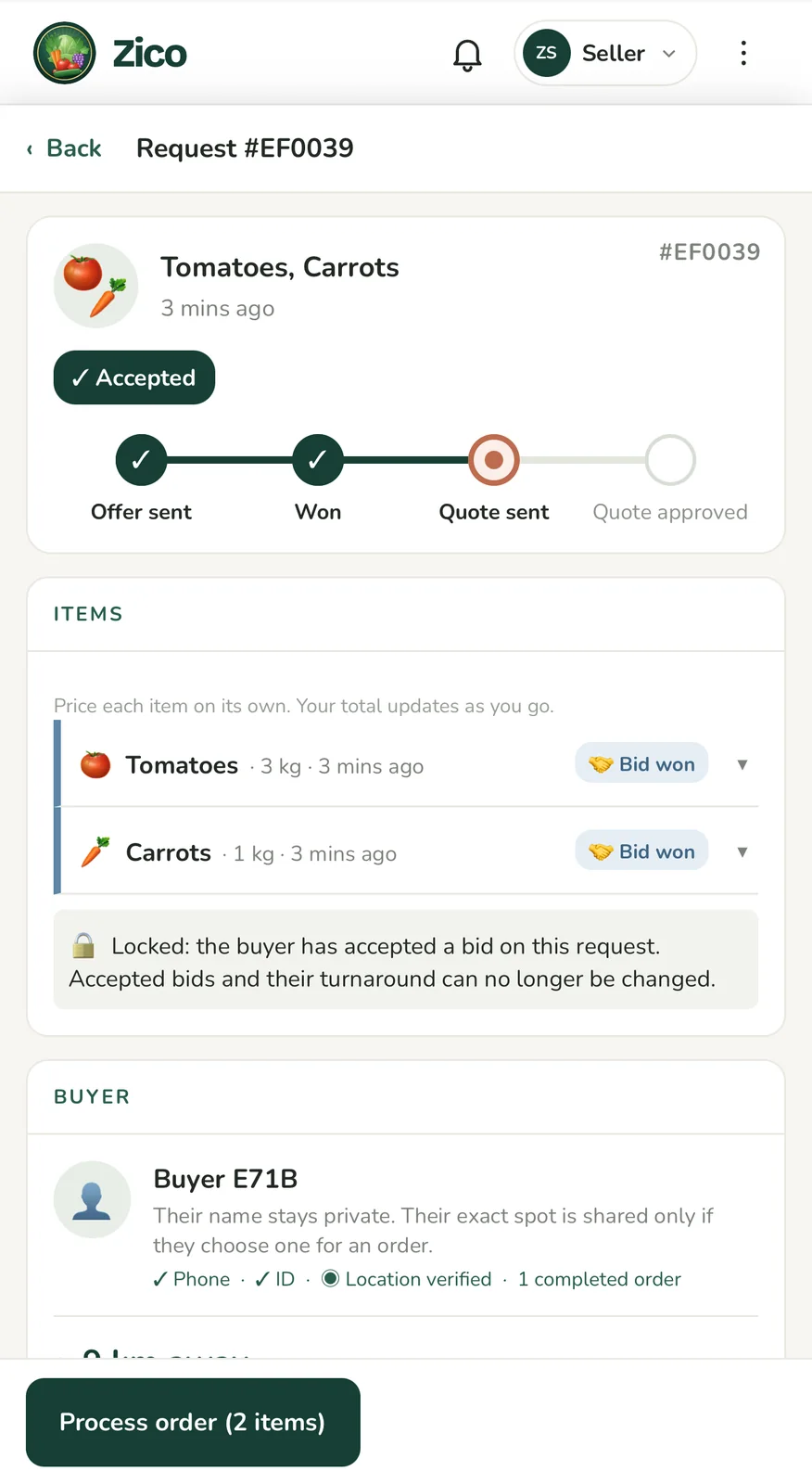
The buyer accepted your bid. - Confirm and send your quote
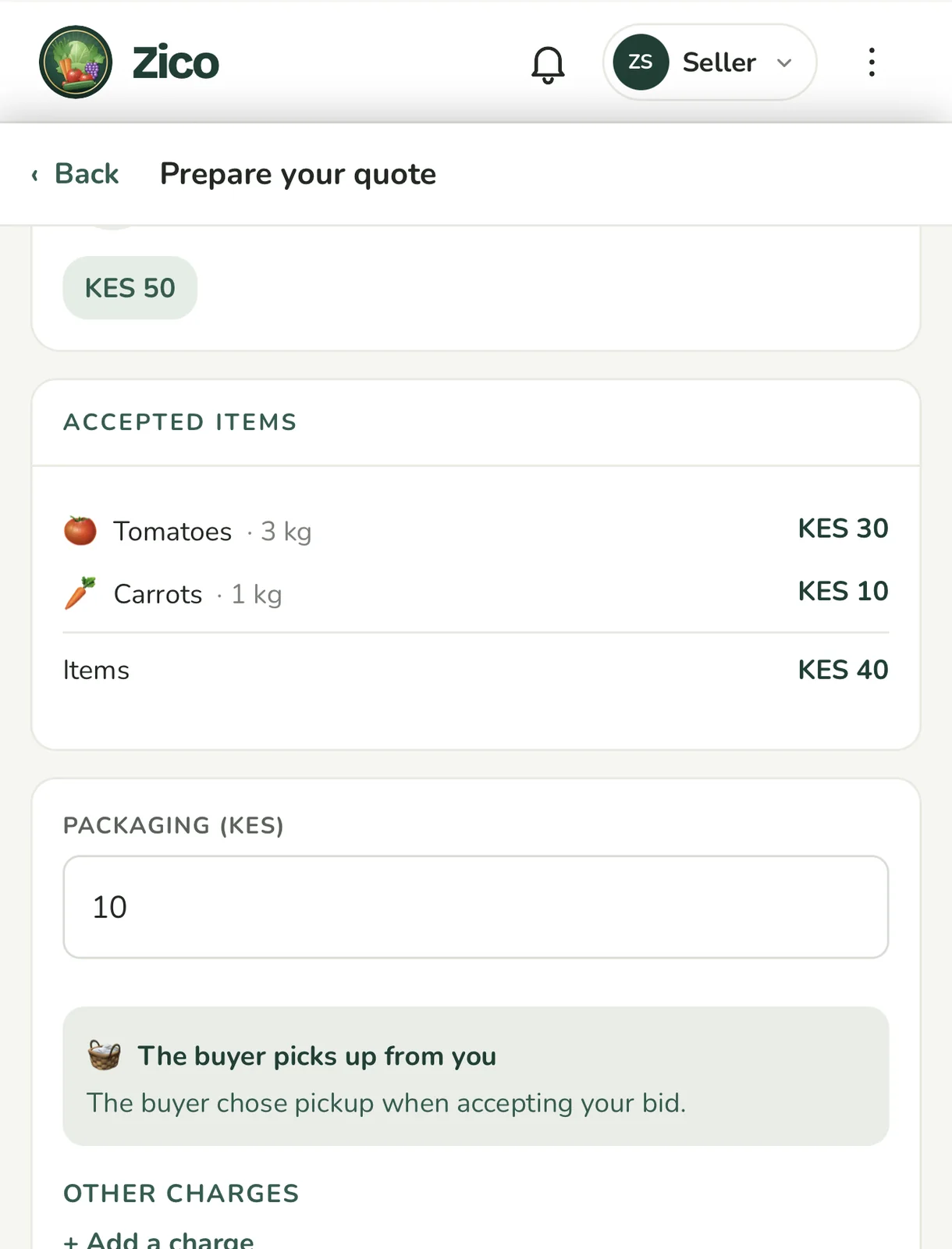
Prepare the final quote. - Add packaging and other charges
Hand over the order
Pickups and OrdersAt your first handover, stand where you sell, turn on location and tap to verify it. This unlocks your handover code and adds the “Location verified” badge to your bids.
For cash orders, tap Cash received once the buyer has paid you. M-Pesa payments are held by Zico and paid out once the buyer confirms receipt.
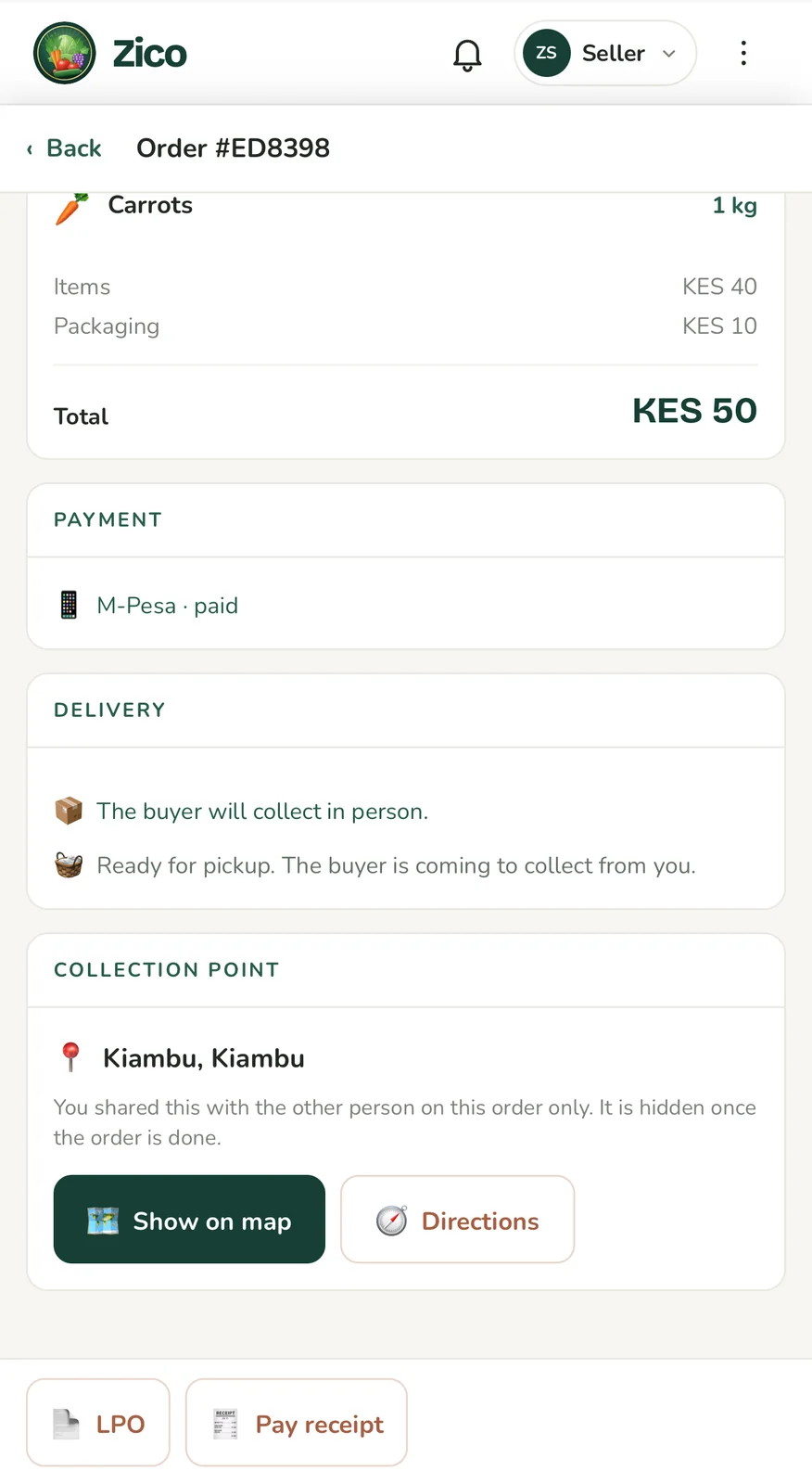
A paid order waiting for the buyer to collect. - Paid: the money is held safely
- Show the buyer where to collect
Build your reputation
Settings → Business documentsEvery completed order adds to the count on your bids. You can also add a county business permit, business registration, KRA PIN certificate or health certificate. Each one our team verifies becomes a badge on your bids. They are optional and never stop you selling.
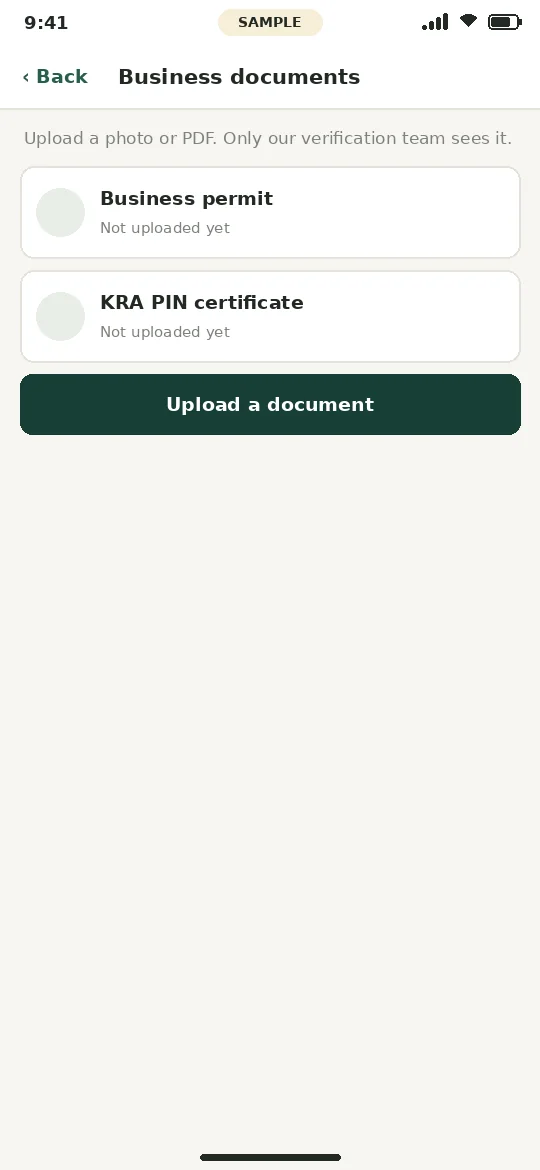
- Upload documents to earn trust badges
نصائح
ردّ بسرعة
غالبًا ما يقبل المشترون أحد أوائل الأسعار الجيدة التي تصلهم.
ضمّن كل شيء في سعرك
التغليف والتوصيل جزء من العرض، حتى يرى المشتري المبلغ كاملًا قبل القبول.
قل “غير متوفر”
يساعد ذلك المشترين على القرار بسرعة، وهو أفضل من ترك طلب بلا رد.

احصل على Zico على هاتفك.
التسجيل مجاني. متوفر بالإنجليزية والسواحيلية. يُطلق قريبًا في كينيا على iPhone وAndroid.