 Zico
For warehouses
Warehousing with Zico
As Zico grows beyond walking distance, produce moves through city hubs. Warehouses receive it from couriers, store it, and hand it to the courier who delivers it.
Install the app and create your account
Account → Sign inGet Zico from the App Store or Google Play. Choose Buyer or Seller (you add Warehouse next), then sign in with Google, Apple, or your email or phone number and a password.
Add your name to finish, and agree to the terms when the app asks. Signing in creates the account the first time and opens it after that.
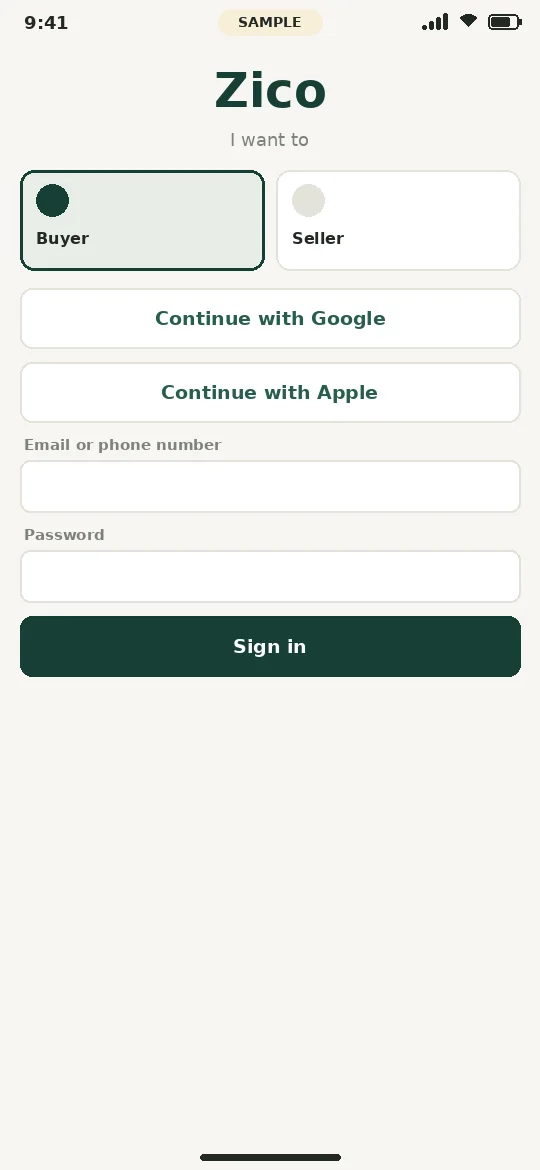
- Choose Buyer, then sign in
Upload your national ID
Settings → Identity documentsYou will be handling other people’s food, so we need your ID before you take jobs. Take a photo of your national ID or upload a PDF. It is encrypted when stored and never shown to buyers or sellers.
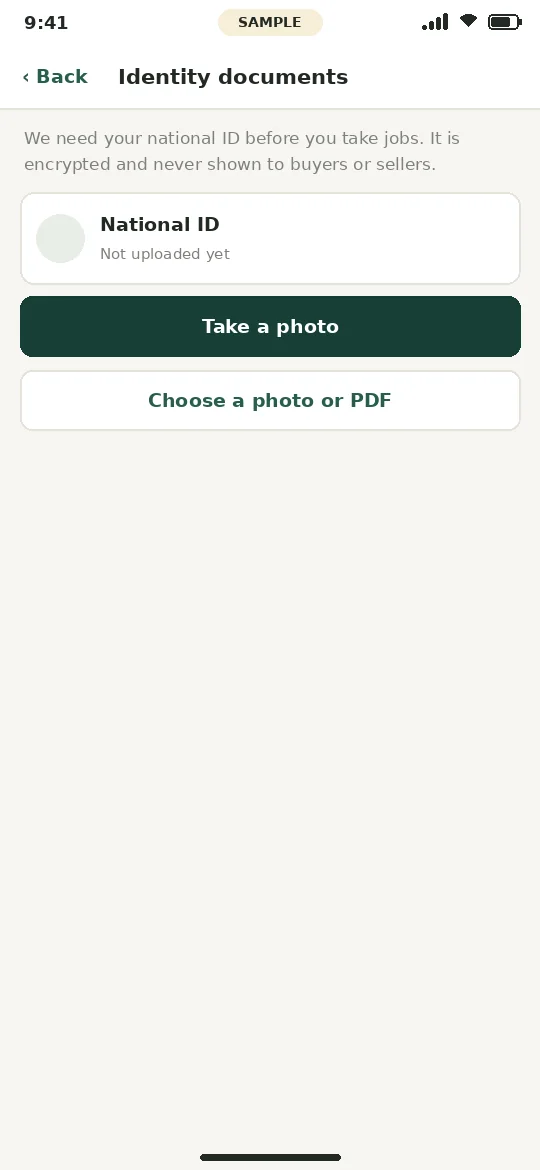
- Take a photo of your ID, or upload a PDF
Join as a warehouse
Account → How you use Zico → Warehousing / Pick UpTap the Warehousing / Pick Up tile (it shows “Join · ID needed” until your ID is uploaded). The role is added to the same account, so you keep anything you buy or sell. Tap any role tile later to switch between them.
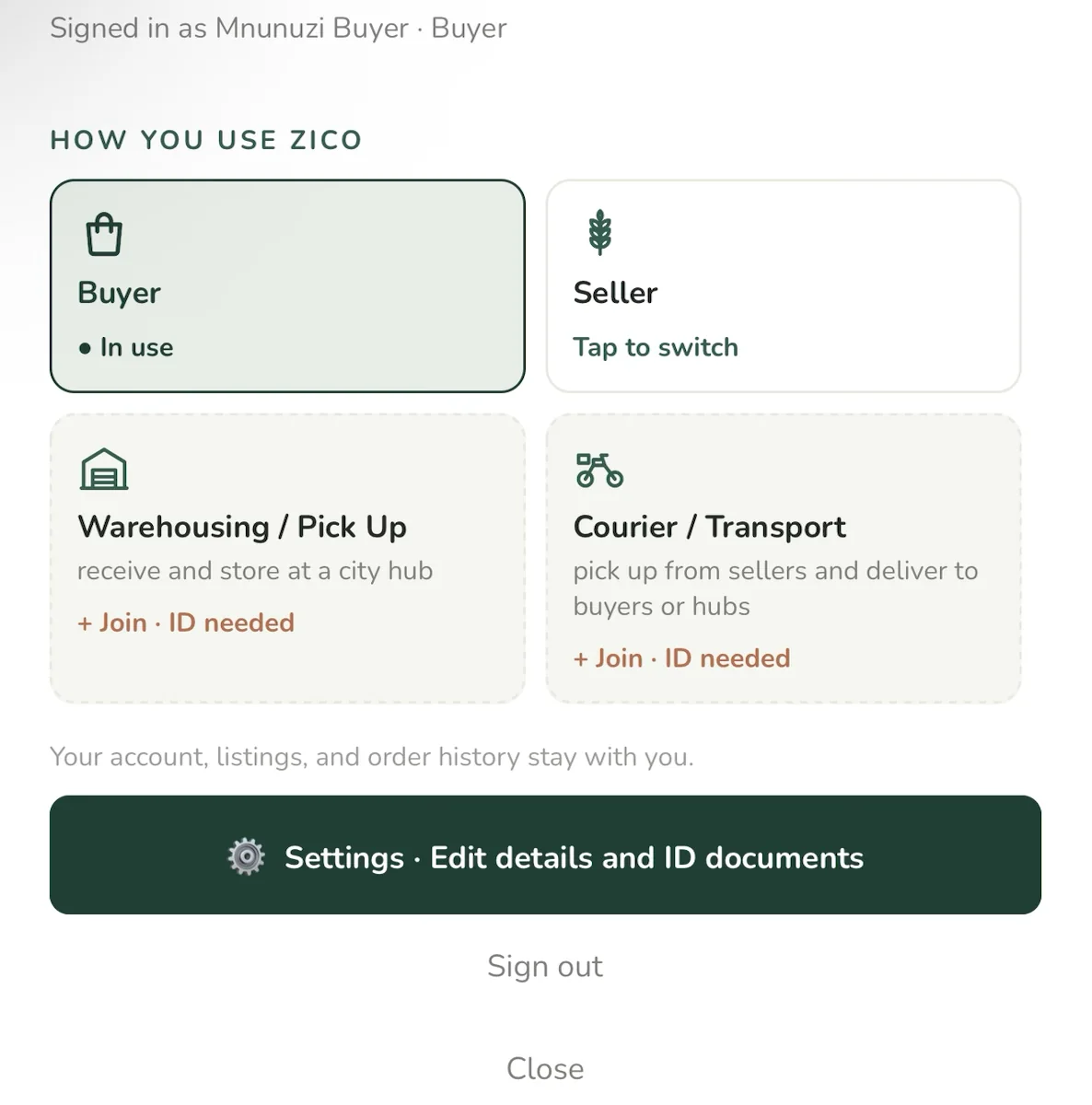
Your account: the ways you use Zico. - Tap to join as a warehouse
- The role you use now
Upload your premises documents
Settings → Warehouse documentsAdd your county business permit, public health or food handling certificate, fire safety certificate and proof of premises (a lease or title). Permits and certificates need their expiry date. Our team verifies each one.
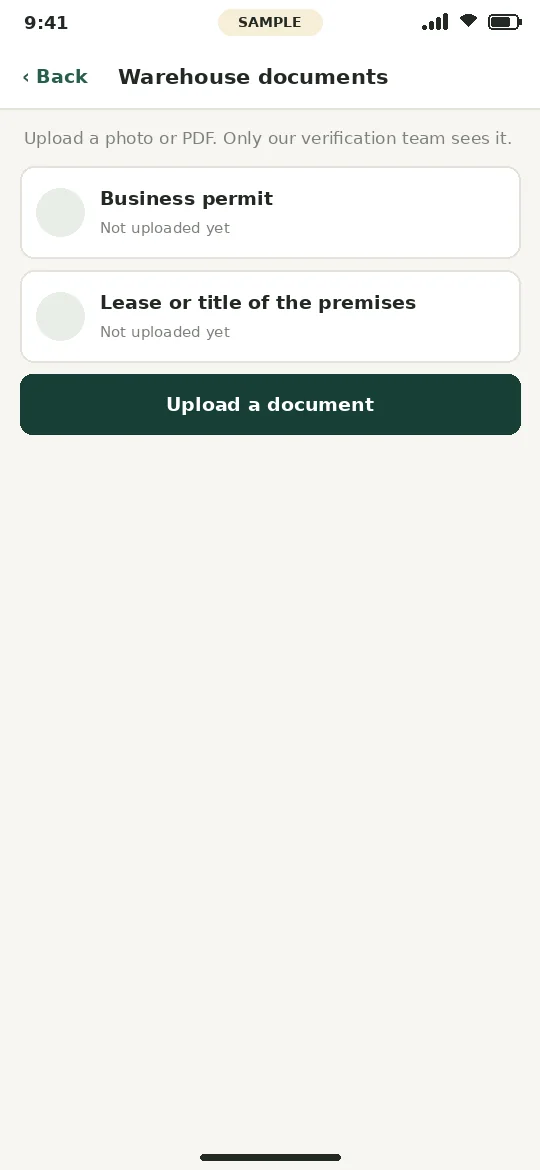
- Upload your premises documents
Receive produce
JobsWhen a courier brings an order to your hub, enter the handover code they show you. The order is now recorded as in your care.
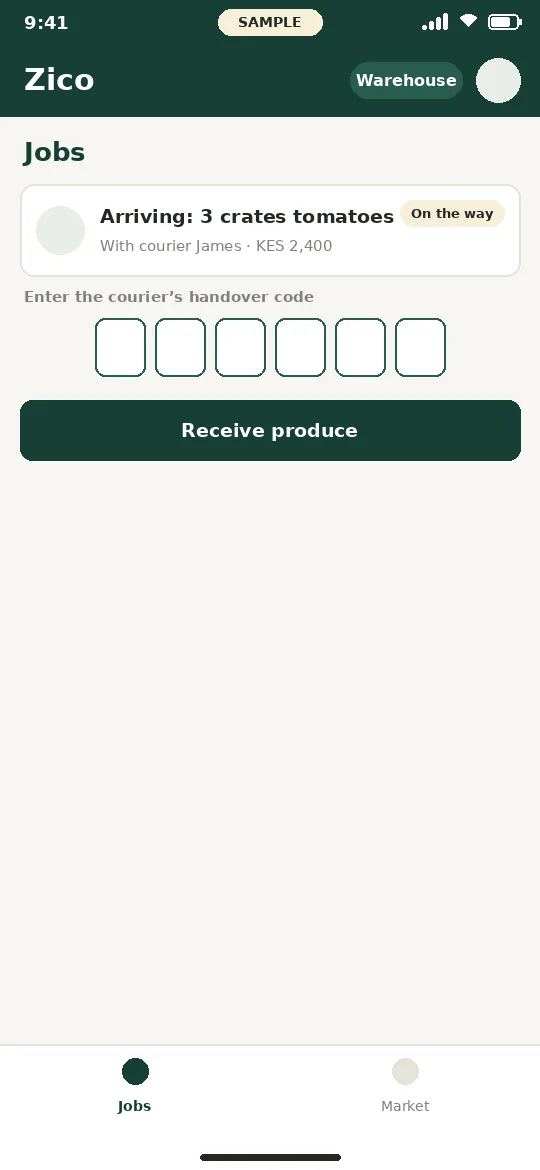
- Enter the courier’s code to receive it
Hand it on for delivery
JobsWhen the delivering courier arrives, show them your handover code. Once they enter it, the order is theirs to deliver.
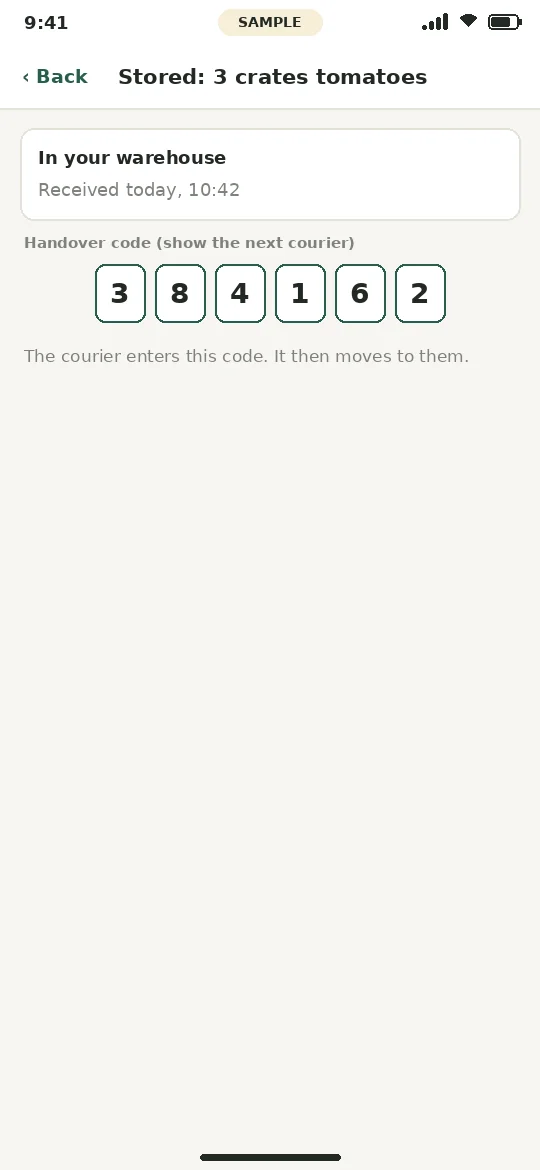
- Show this code to the courier collecting it
Warehouse documents
| Identity | National ID of the person running the account |
|---|---|
| Licences | County business permit; public health or food handling certificate; fire safety certificate (each with its expiry date) |
| Premises | Proof of premises: lease agreement or title |
Documents are uploaded in the app as a photo or PDF, encrypted when stored, and seen only by our verification team.
Tips
Store it right
Keep produce cool, off the floor and away from anything it could take on smells or chemicals from.
A company with several stores?
Upgrade to a company account and add your staff as a team. See Businesses and teams.
Get Zico on your phone.
Free to join. Available in English and Kiswahili. Now live in Kenya on iPhone and Android.