 Zico
How it works
From “do you have it?” to dinner.
Zico turns the walk from stall to stall into one request. Here is what happens at each step, for the buyer and for the seller.
A buyer posts what they need
Buyer · My requestsOne item, or a whole shopping list as a bulk request, with details like variety or ripeness (for example, Type: Shangi). The request is an invitation to sellers, not an order: nothing is owed yet.
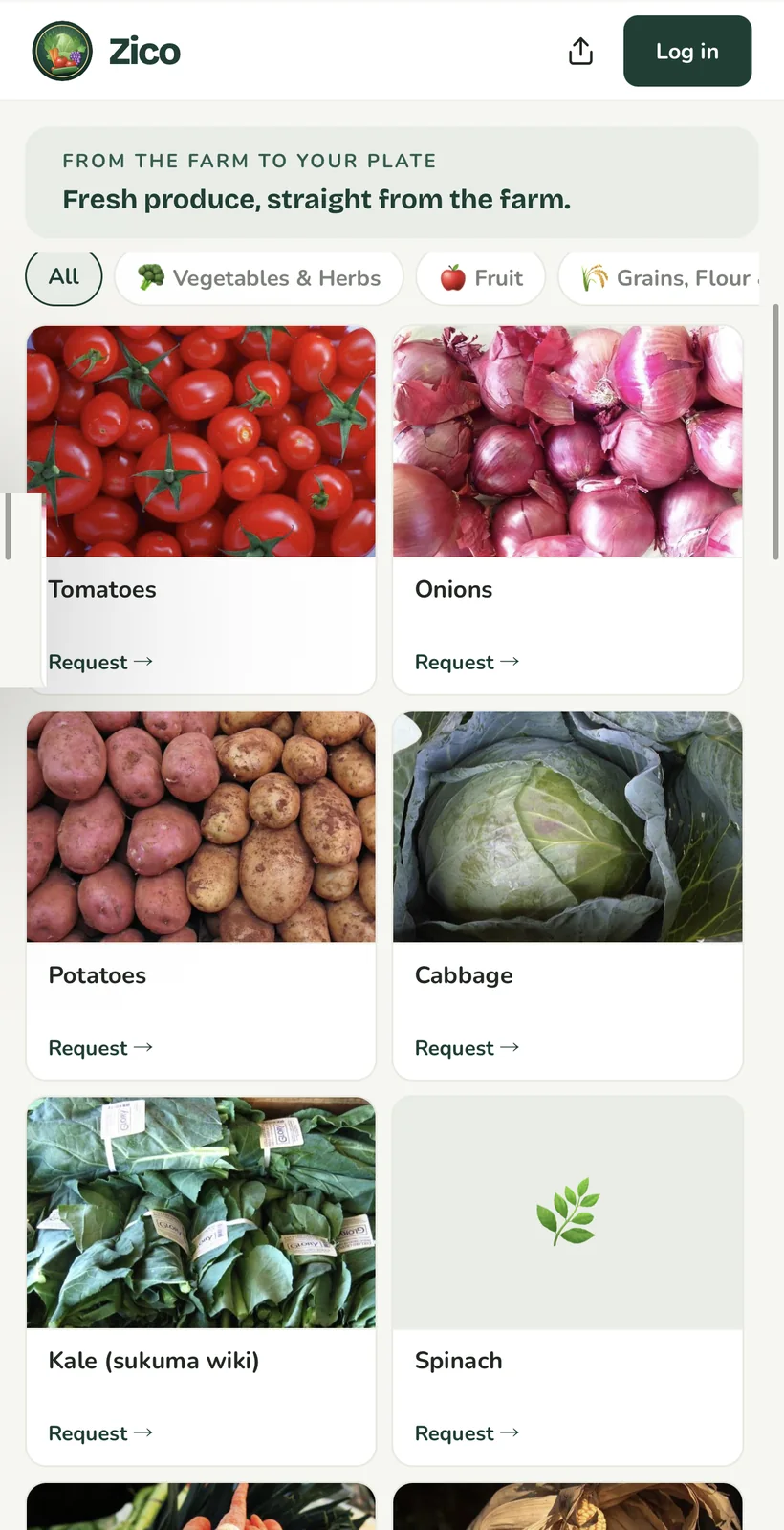
Browse produce and tap Request on what you need. - Browse by type
- Ask for it here
Sellers nearby are told straight away
Seller · Buyer requestsSellers within about 500 m of the buyer get a notification. They learn that a buyer close by needs something, and nothing about who or where they are.
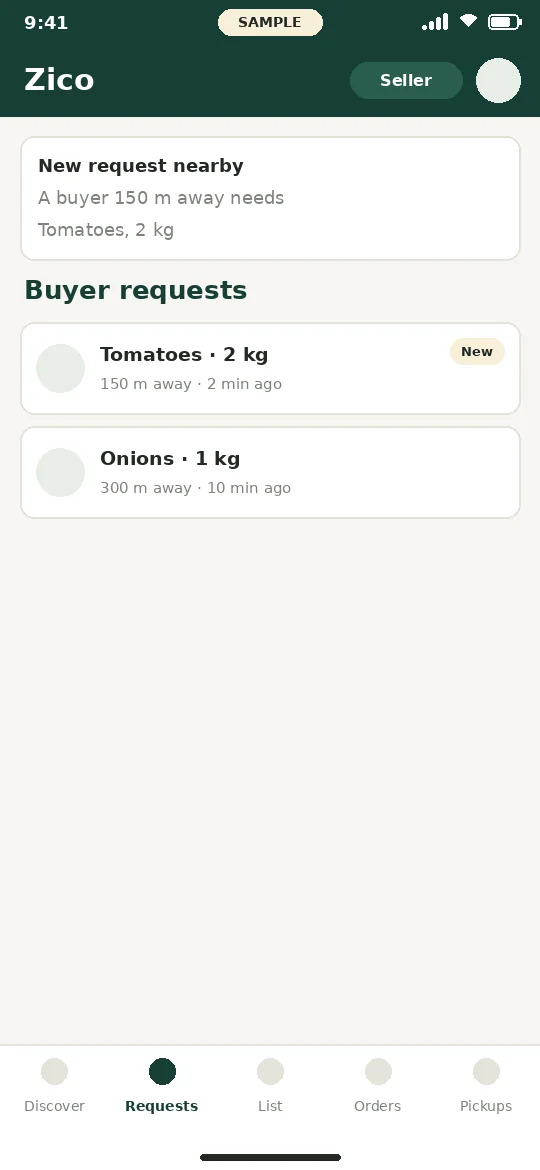
- Nearby sellers get an alert at once
Sellers send their prices
Seller · Available / Not availableEach seller who has it sends a price, how soon it will be ready, and whether the buyer can pick it up, the seller delivers for a fee, or both. Sellers who don’t have it say so, so the buyer is not left waiting.
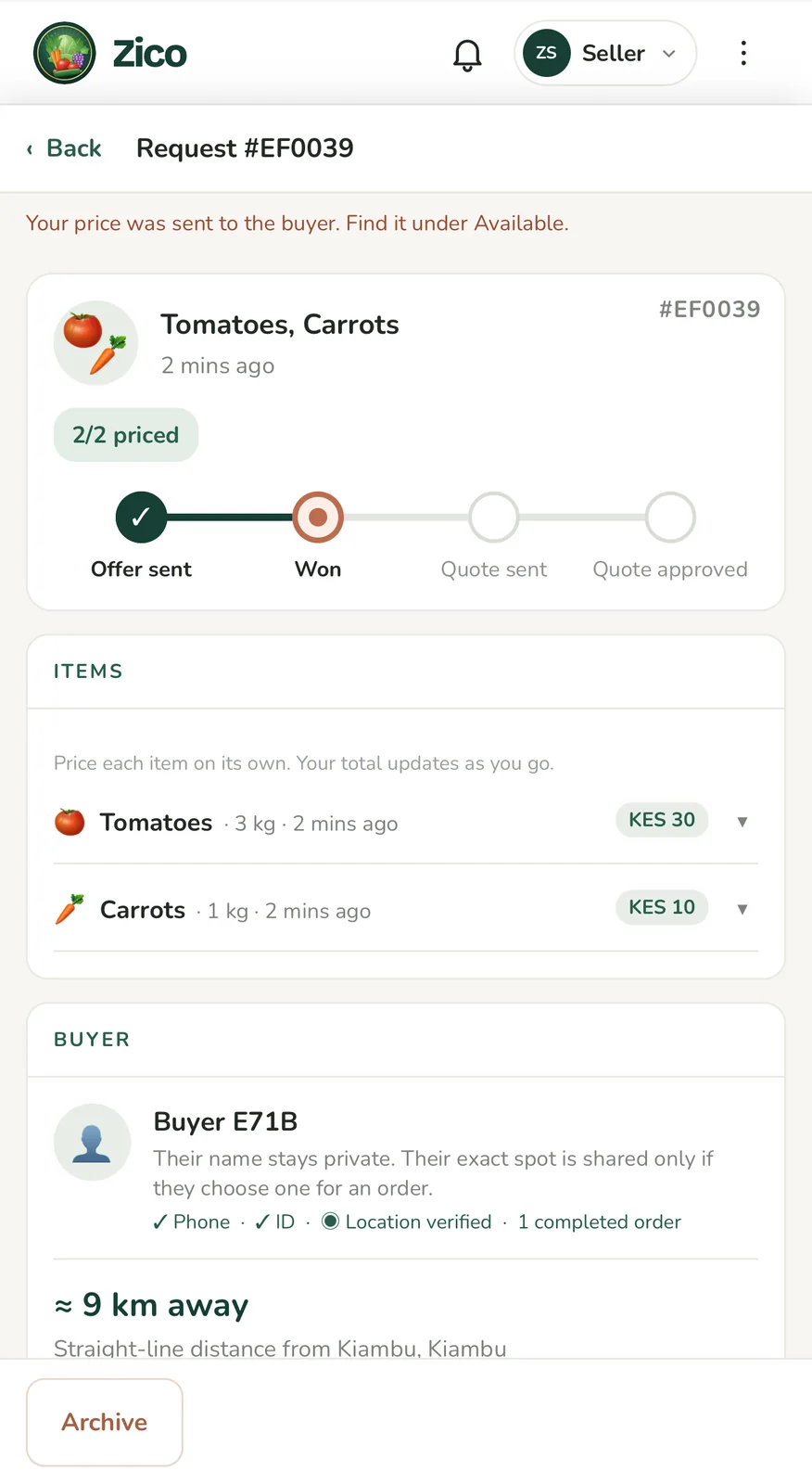
A buyer request with your price on each item. - Your price for each item
- Where your offer stands
The buyer compares and accepts
Buyer · Bid detailsPrices show side by side, cheapest first, with distance, ready time and trust badges. For a bulk request, Zico adds up each seller’s total. Accepting one bid closes that item to other sellers.
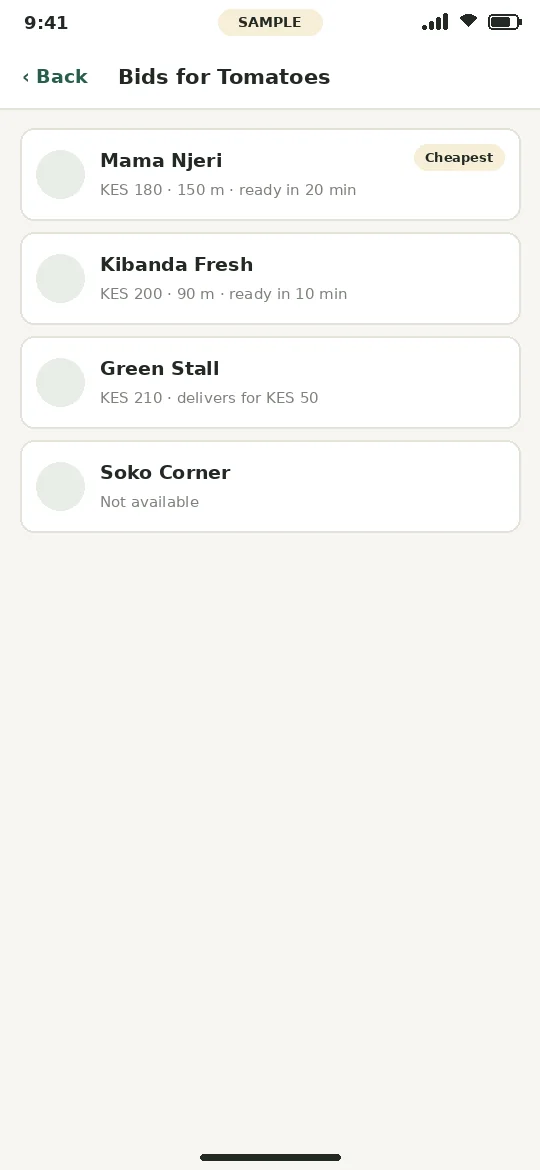
- Compare price, distance and ready time
The seller confirms; the buyer approves
Both · OrdersThe seller confirms the final total, including any packaging or delivery charge. The order only exists once the buyer approves it. From then on, both see each other’s names.
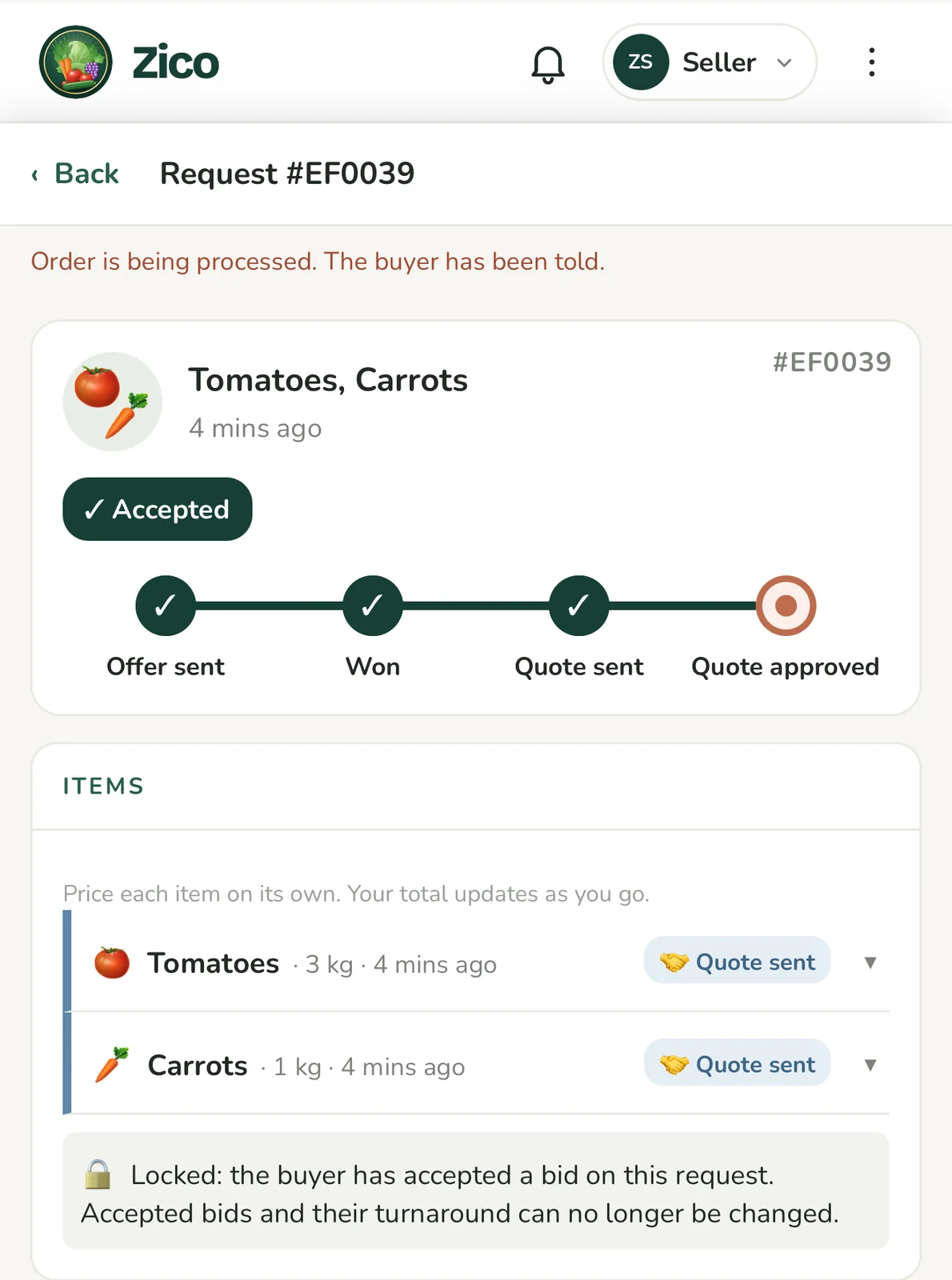
The seller's view: quote sent, then approved. - The buyer approved the quote
Pay, then collect or receive
Both · Orders and TrackPay with M-Pesa in the app, or in cash when you collect or receive your order. Zico holds an M-Pesa payment until you confirm you have your order, then pays the seller.
The buyer collects from the seller, or it is delivered. Every order ends with the buyer confirming they have it: by tapping “I’ve collected my order”, or by giving the delivery PIN at the door.
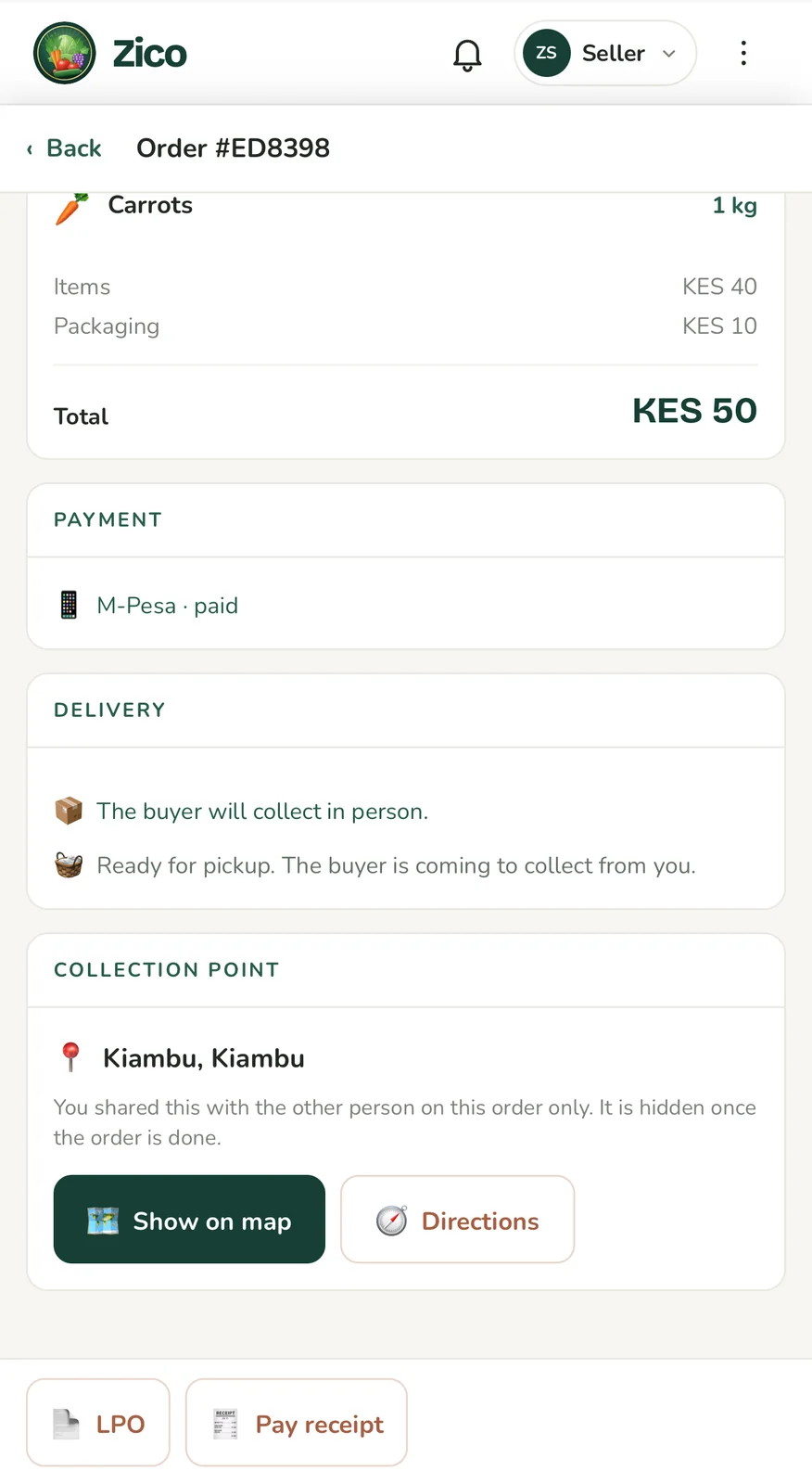
A paid order waiting for the buyer to collect. - Paid: the money is held safely
- Show the buyer where to collect
Getting it to you
Three ways an order reaches the buyer.
The seller says which they offer in their bid; the buyer chooses when accepting.
The buyer collects
No fee. Ideal when the seller is a short walk away. The seller confirms payment, and the buyer confirms they collected.
The seller brings it
For the delivery fee shown in the bid. The buyer gives their 4-digit PIN once they have checked the order.
A courier carries it
For sellers further away. A courier collects from the seller, sometimes through a city warehouse, and every handover is confirmed with a code.
Chain of custody
Always clear who holds the produce.
When an order travels through couriers or a warehouse, the person holding it shows a 6-digit handover code and the next person enters it. The code then moves to the new holder. Whoever last confirmed a handover is responsible until the next one.
| Route | Handovers |
|---|---|
| Direct | Seller → courier (code) → buyer (delivery PIN) |
| Through a hub | Seller → courier (code) → warehouse (code) → courier (code) → buyer (delivery PIN) |
Late, wrong, short or not fresh? Report it on the order in the app, before confirming receipt if you can. Our team looks at what both sides say, the order history and the handover records. How disputes are handled.

Get Zico on your phone.
Free to join. Available in English and Kiswahili. Now live in Kenya on iPhone and Android.